Open the assistant and click “Talk to a person”. Someone from the EmpactAI Translate team replies within 24 business hours, in Spanish or English. You get the reply in the app and at the email address you gave us.
Write to us
- Click “Ask EmpactAI”, at the bottom right.
- At the bottom of the panel, click “Talk to a person”.
- Check “Email to reply to”. Your store's email is filled in; change it if you want.
- Tell us what's happening in “How can we help?”. If it's about a page, paste its URL.
- If you've already talked to the assistant, leave “Attach the conversation with the assistant, so you don't have to repeat yourself” checked.
- Click “Send”.
See the reply
- Open the assistant again and click “Talk to a person”.
- In “Your requests” you see each request with its status: “Open”, “Answered” or “Closed”.
- Below your message, you see the team's reply.
You also get the same reply by email, at the address you entered in “Email to reply to”. If you want to add something, reply to that email.
Good to know
- Try the assistant first. It answers right away, at any time, and knows your store. Many questions get solved there: Ask the assistant.
- The 24 hours are business hours. If you write on a weekend, they count from the next business day.
- You can send up to 10 requests a day.
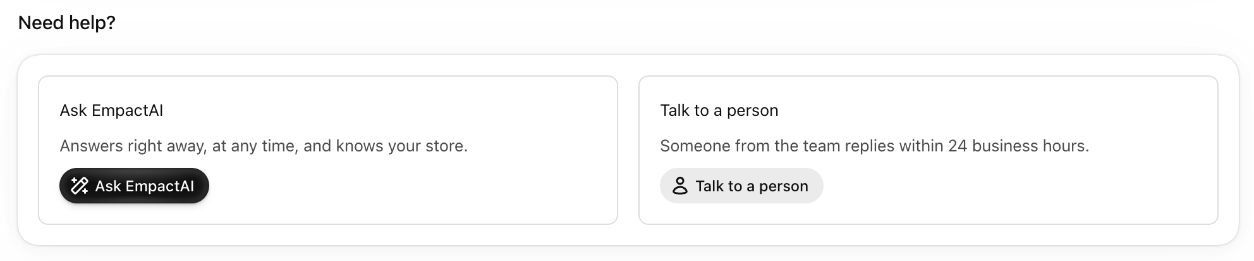
- At the bottom of “Home”, the “Need help?” card brings together your three options: “Ask EmpactAI”, “Talk to a person” and “Help center”.